





What a Day in techcadd's Azure Classroom Actually Looks Like
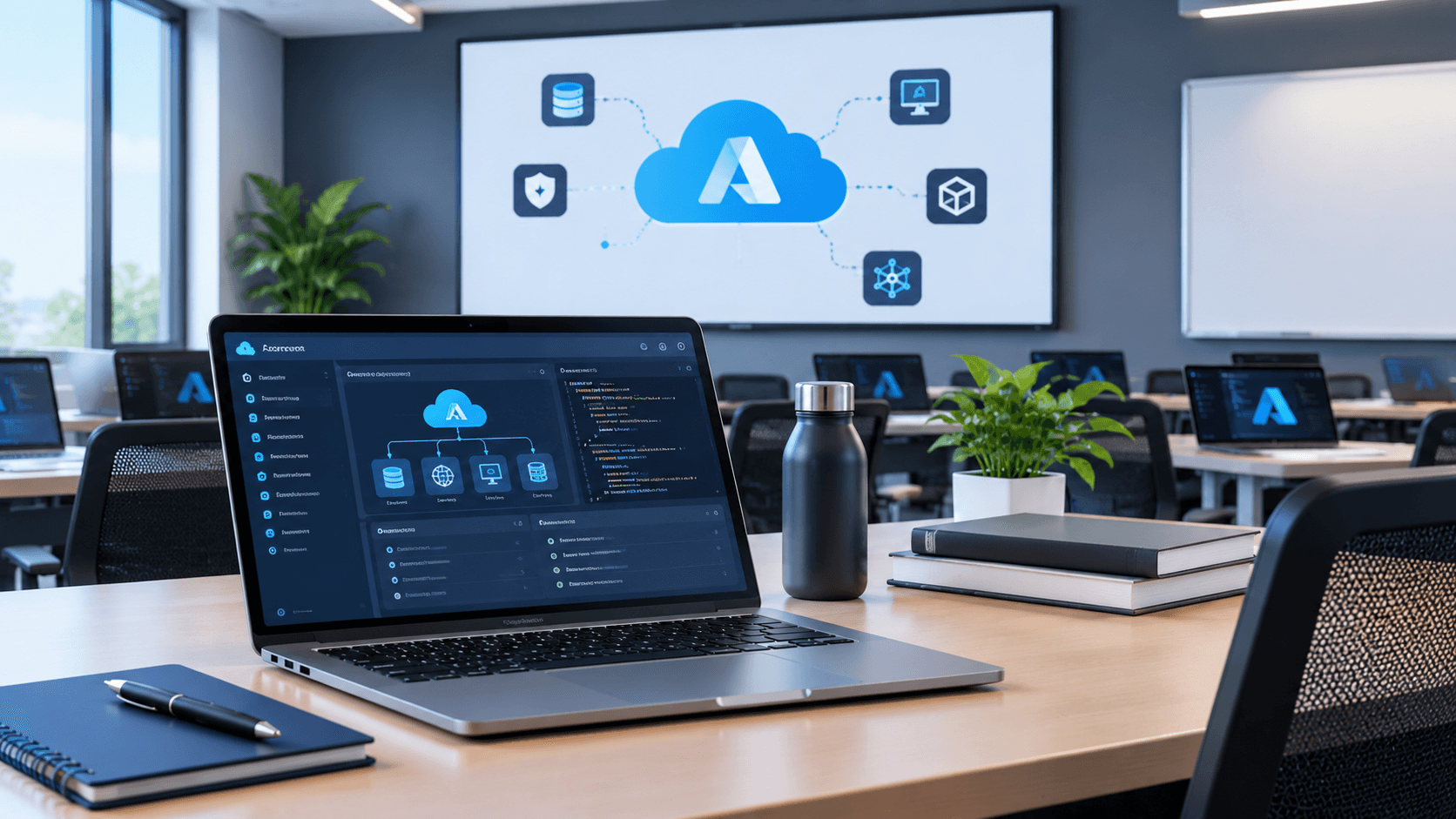
What does learning Azure actually look like beyond course outlines and theory? This behind-the-classroom look explores a typical Azure training day, from cloud concepts and hands-on labs to troubleshooting, projects, and practical learning.
What a Day in techcadd's Azure Classroom Actually Looks Like
A cloud computing class can sound very different on paper than it feels when you're actually sitting in the classroom.
A course outline might mention Azure services, virtual machines, storage, networking, databases and security. But for a student, the real learning happens when those topics move from a presentation into an actual cloud environment.
A typical Azure training day isn't simply about watching a trainer explain what a service does. There may be demonstrations, hands-on exercises, configuration tasks, troubleshooting and plenty of questions along the way.
Here's what a practical day in an Azure classroom can look like.
The Day Usually Starts With Concepts, Not Commands
Before opening the Azure portal, students need to understand what they're actually trying to accomplish.
For example, a trainer might introduce the idea of cloud computing and explain how organizations use cloud infrastructure instead of managing every physical server themselves.
Students may then explore concepts such as:
Cloud computing models
Azure regions and resources
Resource groups
Virtual machines
Storage
Networking
Identity and access
Monitoring
Security
The purpose of this first part isn't to memorise a list of Azure services.
It's to build a mental map.
If a student later creates a virtual machine, for example, they should understand where that machine belongs, what resources it needs and how users or applications can communicate with it.
That context makes the practical exercise much easier to follow.
Then the Azure Portal Becomes the Classroom
Once the basic concept is clear, things become more hands-on.
Students may sign in to the Azure environment and start working with resources themselves. This is where cloud training becomes noticeably different from simply reading about cloud computing.
A trainer might demonstrate a task first, such as creating a resource group or configuring a virtual machine. Students then repeat the process themselves.
And this is usually where questions begin.
Why is this option required?
What happens if I choose a different configuration?
Why can't I connect to the virtual machine?
What does this networking setting actually control?
Those questions are useful because they move the student from following instructions to understanding the environment.
Working With Virtual Machines
Virtual machines are often one of the more familiar concepts for beginners because the basic idea is easy to visualise.
Instead of purchasing a physical computer or server, an organization can provision a virtual machine in the cloud with selected computing resources.
In a practical classroom session, students may work through tasks such as selecting an operating system, configuring compute resources, setting access credentials and connecting to the machine.
The interesting part comes when something doesn't work as expected.
A connection problem can turn into a lesson about networking.
A permission issue can introduce identity and access concepts.
A configuration mistake can demonstrate why cloud resources need to be planned carefully.
This is one reason hands-on practice matters. Some cloud concepts make much more sense after you've actually encountered the problem they're designed to solve.
Storage Is More Than Uploading Files
Azure storage can introduce another important cloud concept: different types of data require different storage approaches.
Students may work with storage services and learn the difference between storing objects, files or other types of application data.
A simple exercise might involve creating a storage resource, configuring appropriate settings and uploading data.
The trainer can then connect the exercise to a real application scenario.
Imagine a web application that allows users to upload documents. The application needs somewhere reliable to store those files. The storage service isn't just another item on an Azure syllabus; it's part of the application's architecture.
That connection between a service and a real use case helps students remember what they're learning.
Networking Starts Making Sense Through Problems
Networking is one area where cloud learners can initially feel overwhelmed.
Terms such as virtual networks, subnets, IP addresses, ports, network security and routing can seem disconnected when explained separately.
A practical Azure environment helps connect them.
For example, if a student creates a virtual machine but can't access an application running on it, the issue could involve a port configuration or network security rule.
Instead of simply memorising that a particular setting exists, the student now has a reason to understand it.
A trainer can walk through the troubleshooting process: identify the expected connection, check the configuration, inspect the relevant rule and determine where communication is being blocked.
That problem-solving process is an important part of cloud learning.
Questions Are Part of the Learning Process
One thing that doesn't appear in a course syllabus is the number of questions students ask.
In a classroom, one student's question can often help several other learners.
Someone might ask why an organization would choose one service instead of another.
Another student may want to know how the same architecture would work for a small application.
Someone else may have encountered an error while completing the lab.
These conversations help connect individual Azure features to larger concepts.
A good classroom session isn't necessarily the one where everything goes perfectly. Sometimes the most useful part of the lesson is understanding why something didn't work.
Troubleshooting Is a Big Part of Cloud Learning
Cloud platforms have many moving parts.
A resource may be configured correctly but inaccessible because of networking. A user may have the wrong permissions. A service may be running but connected to the wrong resource.
For beginners, troubleshooting can initially feel frustrating.
But learning to troubleshoot is part of becoming comfortable with cloud technology.
Instead of immediately deleting a resource and starting again, students can learn to ask:
What was I expecting to happen?
What actually happened?
Which component could be responsible?
What evidence can I check?
What configuration should I verify?
This approach is useful far beyond Azure.
The Classroom Isn't Just About Azure Portal Skills
Learning to click through the Azure portal isn't the same as learning cloud computing.
The portal is simply one way of interacting with Azure.
Students should gradually understand why resources are configured in particular ways, how services communicate, how access is controlled and how applications can be deployed and monitored.
As learners progress, they may also encounter concepts related to automation, command-line tools, infrastructure management, application deployment and cloud security.
The goal is to move from "I know where to click" toward "I understand what I'm deploying."
Small Projects Bring Everything Together
After individual labs, project-based exercises can make the learning more meaningful.
For example, students might design a basic cloud environment for a web application.
The project could involve a virtual machine or application hosting environment, storage, networking and appropriate access controls.
The project doesn't need to be enormous.
What matters is that the student has to think about how the pieces connect.
Where should the application run?
Where should its data be stored?
Who should have access?
How will users reach the application?
What happens if something stops working?
Those questions introduce the kind of thinking that isn't developed by memorising service definitions alone.
What Students Usually Take Away From a Day Like This
A productive Azure training day should leave students with more than notes.
They should gradually develop the ability to:
Explain common cloud concepts in simple terms
Navigate Azure services confidently
Create and configure basic resources
Understand how cloud components interact
Troubleshoot common configuration problems
Connect Azure services to application scenarios
Think about security and access
Build small cloud-based projects
Not every student will understand everything after one class, and that's completely normal.
Cloud computing has a large ecosystem, and familiarity develops through repeated practice.
Learning Azure Is a Process, Not a Single Classroom Session
One classroom session can't turn someone into a cloud professional.
What it can do is make cloud concepts tangible.
Instead of seeing "Azure Virtual Machines" or "Azure Storage" as terms in a syllabus, students begin to understand what those services actually do and where they might fit into an application.
That shift—from memorising features to understanding how systems work—is where practical learning becomes valuable.
For students attending Azure training at techcadd, the most useful experience is likely to come from combining trainer guidance with independent practice. After a demonstration, try changing the configuration. Rebuild a resource yourself. Intentionally test different settings. When something breaks, investigate it.
That is where much of the learning happens.
A Typical Azure Learning Day in One Picture
A classroom day might therefore follow a simple pattern:
Understand → Demonstrate → Build → Test → Troubleshoot → Discuss → Improve
The exact Azure services and exercises can change depending on the course level and learning goals.
But the underlying process remains useful.
You learn a concept, see how it works, use it yourself, encounter a problem, investigate the problem and then improve your understanding.
For someone considering an Azure course, that's perhaps the most important thing to look for: not just how many services are listed in the syllabus, but how much opportunity there is to actually work with them.
Cloud computing becomes much easier to understand once you're no longer just reading about the cloud—you've started building inside it.
