





What a Day in techcadd's Android Development Classroom Actually Looks Like
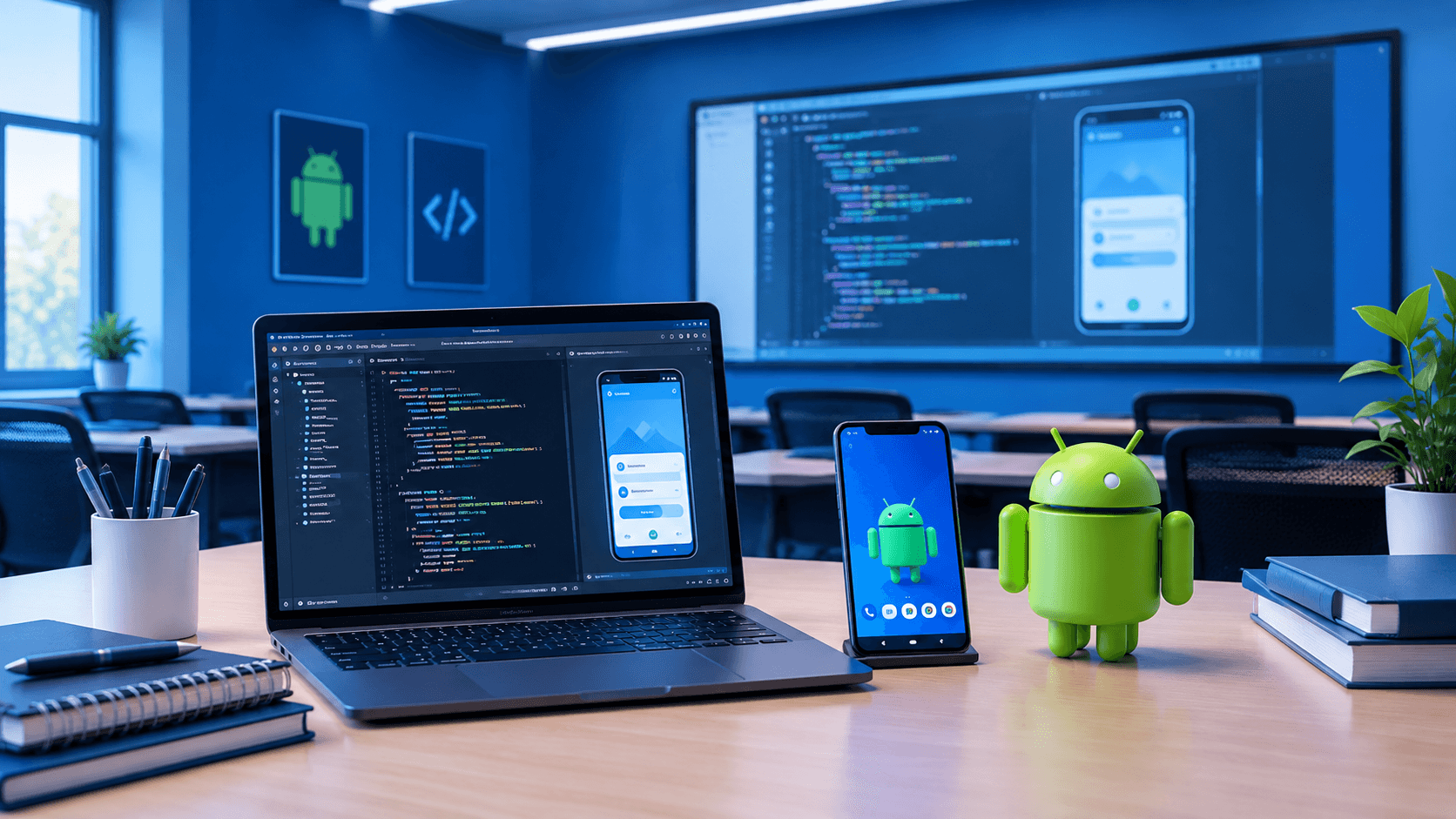
Ever wondered what really happens inside an Android development classroom? From Kotlin coding and Android Studio to UI building, debugging and project work, here's a practical look at how a typical learning day can unfold.
What Does a Day in an Android Development Classroom Actually Look Like?
When people think about learning Android development, they often imagine students sitting in front of a laptop and typing code for several hours.
The reality is usually more mixed.
A practical Android development classroom involves understanding concepts, writing code, testing an application, finding mistakes, discussing problems and gradually turning individual pieces of code into a working app. The classroom isn't just about watching an instructor build an application while everyone else follows along.
At techcadd, the focus of an Android development class can be understood through the kind of work students actually do during a typical learning session—from setting up an Android project to working with Kotlin, designing screens and debugging problems.
The exact schedule can vary depending on the topic being taught, but the learning process generally follows a practical pattern.
The Day Usually Starts With a Quick Recap
Before opening a completely new topic, it makes sense to revisit what was covered previously.
For example, if students recently learned Kotlin functions and classes, the instructor might spend some time checking whether they can actually use them rather than simply asking for definitions.
A small coding exercise can reveal a lot.
A student might understand the syntax of a function but still struggle to decide where that function should be used in an application. Another student might write working code but have difficulty understanding an error message.
These small gaps are easier to address before moving into more complex Android development concepts.
The recap also gives students a chance to ask questions they may have encountered while practising outside the classroom.
Then Comes the Android Development Concept
Once the previous topic is clear, the class can move into the day's main concept.
Depending on the stage of the course, this could involve Kotlin programming, Android Studio, layouts, activities, user interaction, navigation, data handling or another part of Android application development.
A useful way to teach these concepts is to connect them to something students can see.
For example, instead of explaining a user interface component only through its definition, the instructor can demonstrate how it appears inside an actual application.
Students can then see the relationship between:
Code → UI element → user action → application behaviour
That connection becomes increasingly important as Android projects become larger.
Android Studio Becomes the Main Workspace
For many students, Android Studio initially looks intimidating.
There are project files, folders, editors, panels, build messages and debugging tools all visible at once. Beginners can easily wonder where they are supposed to start.
With regular practice, however, the environment becomes much more familiar.
Students learn how to create and organise projects, open relevant files, run applications, read errors and use the tools available inside the IDE.
The important part isn't memorising where every button is.
It's understanding the development workflow.
A student should gradually become comfortable with making a change, running the application, observing the result and going back to the code when something doesn't behave as expected.
Kotlin Is Used to Build the Application Logic
Modern Android development commonly involves Kotlin, so programming practice is an important part of the classroom experience.
Students may work with variables, functions, classes, collections, conditions and other Kotlin concepts while gradually applying them to Android applications.
This is where programming starts feeling different from a basic coding exercise.
Suppose a student creates a login screen. The application needs to respond when the user enters information and presses a button. The code isn't simply there to demonstrate a Kotlin function anymore. It has a purpose within the application.
That transition—from writing isolated examples to writing code that contributes to an actual app—is an important part of learning Android development.
UI Development Is More Than Making a Screen Look Good
A typical Android development class can also involve building application interfaces.
Students might work with layouts, text fields, buttons, images, lists or other interface components depending on the project.
But UI development isn't only about choosing colours and placing buttons.
Students also need to think about how the interface behaves.
What happens when a user taps the button?
What happens if a required field is empty?
Does the screen work properly on different display sizes?
Can the user understand what to do next?
These questions introduce students to the practical side of application development.
Debugging Takes Up More Time Than Beginners Expect
One of the less glamorous but more useful parts of an Android development classroom is debugging.
A program may fail to build. A button may not respond. An application might crash when a particular action is performed. A layout might not appear as expected.
For a beginner, the first reaction can be, "My code isn't working."
The next step should be more specific: What exactly isn't working, and what is the error telling me?
Students gradually learn to read error messages, inspect code, check values and isolate the source of a problem.
This process can sometimes take longer than writing the original code.
That's normal.
In real development, debugging isn't an unusual interruption to programming. It's part of programming.
Students Don't All Move at the Same Speed
A classroom also has a human element that online tutorials don't always reproduce.
One student may finish an exercise quickly. Another may still be trying to understand the previous concept. Someone might have a small syntax error that takes five minutes to fix, while another student may have a conceptual question about how the entire feature works.
That means classroom learning often includes individual questions and troubleshooting alongside the main lesson.
For beginners, being able to ask, "Why is this happening?" can be particularly useful.
Sometimes the answer isn't another code snippet. It may be an explanation of how the code is being executed.
Projects Make the Learning More Practical
As students become comfortable with individual concepts, project-based work becomes increasingly useful.
Instead of creating separate examples for buttons, lists, navigation or data handling, students can begin combining those ideas into a single application.
For example, a basic student-management application could involve:
Multiple screens
Form input
Buttons and user interaction
Data display
Navigation
Validation
Local or remote data handling
Suddenly, previously separate concepts have to work together.
This is also where students begin encountering questions that don't appear in simple classroom examples.
"Where should this code go?"
"Why is this value becoming null?"
"Why does this screen open twice?"
"How should this data be passed to another screen?"
Those are valuable development questions because they require reasoning rather than memorisation.
What Happens When Something Goes Wrong?
Probably more than you might expect.
A practical classroom isn't successful because every student writes perfect code on the first attempt. Mistakes are part of the process.
An instructor may ask students to inspect their own code before providing the answer. This encourages them to develop a habit of troubleshooting instead of depending on someone else to immediately fix every problem.
For example, if an application crashes after a button is pressed, the first step could be checking the error output and identifying which part of the application triggered it.
Over time, these small investigations make debugging less intimidating.
A Typical Session Is Not Just Lectures
A practical Android development classroom can therefore contain several different activities within the same session:
Concept explanation: Understanding what a particular Android or Kotlin feature does.
Live coding: Seeing how the concept is implemented in a real project.
Student practice: Writing or modifying the code themselves.
Debugging: Finding and fixing mistakes.
Questions: Discussing problems that arise during implementation.
Project work: Combining multiple concepts into an application feature.
The balance changes depending on the topic. A new concept may require more explanation, while a project session may involve much more hands-on coding.
What Students Should Actually Take Away From the Classroom
The most useful outcome isn't simply being able to reproduce the code written by an instructor.
Students should gradually become capable of taking a requirement and thinking about how they would implement it.
If someone says, "Create a screen where users can enter their details and submit them," the learner should start thinking about the UI, input handling, validation, application logic and what should happen after submission.
That kind of thinking develops through practice.
For someone considering Android development training, it's worth looking for a learning environment where coding isn't limited to copying examples. The more students practise building, testing and debugging their own applications, the more familiar the development process becomes.
So, What Does a Day in an Android Classroom Really Look Like?
There isn't one fixed formula for every class.
Some days may involve more Kotlin. Others may focus heavily on UI development, debugging or project work. A difficult concept may take longer than expected, while a familiar topic may move quickly.
What stays consistent is the development cycle: learn something, implement it, test it, find problems and improve it.
That's what makes an Android development classroom different from simply watching tutorials.
For students learning at techcadd, the classroom experience can be a combination of instructor guidance and hands-on practice. The goal of that process is not just to finish a syllabus, but to become increasingly comfortable with the actual work involved in building Android applications.
And sometimes, the most useful part of the class isn't when everything works perfectly. It's the moment when a student finally understands why something wasn't working in the first place.
