





Top Tools You'll Master in techcadd's Machine Learning Course
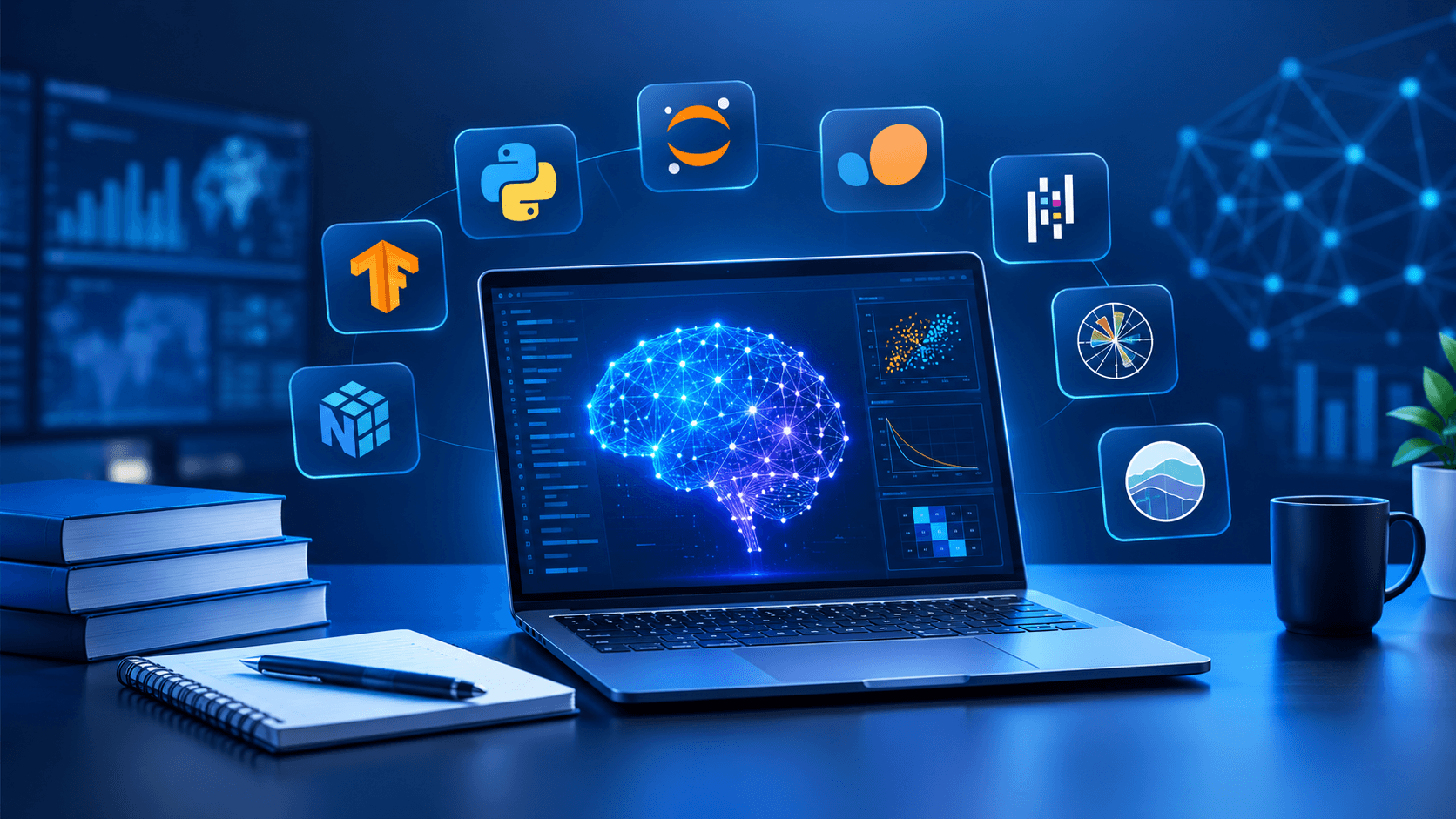
Machine learning is more than learning algorithms. Explore the practical tools used for Python programming, data analysis, visualization, model building, and machine learning workflows in techcadd's Machine Learning Course.
Introduction
Learning machine learning involves much more than understanding concepts such as regression, classification, or neural networks. A large part of the learning process is becoming comfortable with the tools used to turn those concepts into working solutions.
For someone starting a machine learning course, the number of tools can initially feel confusing. Python, Jupyter Notebook, NumPy, Pandas, Matplotlib, Scikit-learn and other libraries each have a different role. The good news is that you don't need to master everything at once. Once you understand how these tools fit together, the overall workflow becomes much easier to follow.
In techcadd's Machine Learning Course, these tools can form the practical foundation for learning how machine learning projects are actually developed—from preparing raw data to training, testing and interpreting models.
Here are some of the key tools worth understanding and why they matter.
Python: The Foundation of Machine Learning
Python is one of the first tools you'll encounter when learning machine learning. Its straightforward syntax makes it relatively accessible to beginners, while its large ecosystem provides libraries for almost every stage of a machine learning project.
For example, a simple machine learning workflow might involve:
Loading a dataset
Cleaning missing or incorrect values
Analysing patterns in the data
Creating visualizations
Training a model
Measuring its performance
Making predictions
Python provides the programming layer that connects these steps.
You'll also use basic Python concepts such as variables, loops, functions, lists, dictionaries and object-oriented programming. Having a reasonable understanding of Python makes it much easier to focus on machine learning concepts instead of struggling with programming syntax.
Jupyter Notebook: A Practical Learning Environment
Jupyter Notebook is particularly useful while learning machine learning because it allows code, explanations, results and visualizations to exist in one place.
Instead of writing an entire program and running it from beginning to end, you can execute individual sections of code and immediately inspect the output.
Suppose you're analysing a dataset containing information about houses. You might first load the data, then check its columns, calculate basic statistics, visualize relationships and finally build a prediction model. Jupyter makes it convenient to experiment with each stage separately.
This is also useful for beginners because mistakes become easier to identify. You can change one part of your analysis and run that section again without rebuilding the entire workflow.
NumPy: Working With Numerical Data
Machine learning involves a lot of numerical computation, and NumPy provides the foundation for efficient numerical operations in Python.
Its main structure, the NumPy array, is designed to handle collections of numbers efficiently. You'll encounter arrays when working with datasets, mathematical operations and machine learning algorithms.
For example, instead of manually calculating operations across hundreds or thousands of values, NumPy allows you to perform many calculations efficiently using array operations.
Understanding NumPy also helps explain what is happening underneath higher-level machine learning libraries. Data isn't simply "fed into an algorithm"; it is usually represented as numerical structures that models can process.
Pandas: Cleaning and Understanding Data
Before training a model, you need usable data. This is where Pandas becomes particularly important.
Pandas provides data structures such as DataFrames that make it easier to work with tabular data. If you've used Excel spreadsheets, a Pandas DataFrame may feel familiar because information is organised into rows and columns.
You can use Pandas to:
Load CSV and other datasets
Inspect columns and data types
Handle missing values
Remove duplicate records
Filter rows
Create or modify columns
Group and analyse information
Prepare data for machine learning
Consider a customer dataset where some ages are missing and several entries contain inconsistent values. Training a model directly on such data could produce unreliable results. Data preparation with Pandas helps address these problems before modelling begins.
For many beginners, learning Pandas is one of the most practically useful parts of a machine learning course.
Matplotlib and Seaborn: Making Data Easier to Understand
Numbers can reveal patterns, but visualizations often make those patterns easier to spot.
Matplotlib is a widely used Python library for creating charts and graphs. Seaborn builds on the Python visualization ecosystem and provides convenient ways to create statistical graphics.
You may use these tools to create:
Line charts
Bar charts
Histograms
Scatter plots
Box plots
Correlation visualizations
Imagine you're working with a dataset containing student study hours and exam scores. A scatter plot can help you visually examine whether the two variables appear to have a relationship.
Visualization is not just about making a project look attractive. It can help you identify unusual values, understand distributions and decide which variables may deserve further investigation.
Scikit-learn: Building Machine Learning Models
Once your data has been prepared, Scikit-learn becomes one of the most important tools in the workflow.
Scikit-learn provides implementations of many commonly used machine learning algorithms and supporting utilities. It can be used for tasks such as classification, regression, clustering, preprocessing and model evaluation.
For example, a beginner might start with algorithms such as:
Linear Regression
Logistic Regression
Decision Trees
Random Forests
K-Nearest Neighbours
Support Vector Machines
K-Means Clustering
The real value isn't simply knowing the names of these algorithms. It's understanding when to use them, how to prepare data for them, how to train them and how to evaluate their results.
Scikit-learn also introduces important concepts such as training and testing datasets, feature preprocessing, pipelines and evaluation metrics.
What About TensorFlow and Other Deep Learning Tools?
As your learning progresses, you may come across frameworks such as TensorFlow and PyTorch. These are commonly associated with deep learning and more advanced machine learning applications.
They become particularly relevant when working with areas such as neural networks, computer vision and natural language processing.
However, beginners don't necessarily need to start with advanced deep learning frameworks. A strong foundation in Python, data handling, visualization and traditional machine learning makes later concepts much easier to understand.
The exact tools covered in a particular course can vary, so students should check the current course curriculum to confirm the specific modules and frameworks included.
How These Tools Work Together
The most useful way to understand machine learning tools is to see them as parts of one workflow rather than isolated technologies.
A typical beginner project might look something like this:
Python → Jupyter Notebook → Pandas/NumPy → Matplotlib/Seaborn → Scikit-learn → Model Evaluation
You could begin by loading a dataset with Pandas, use NumPy for numerical operations, visualize the data with Matplotlib or Seaborn, and then use Scikit-learn to train a model.
For instance, a house-price prediction project could involve cleaning property data, exploring relationships between features such as area and number of rooms, splitting the dataset into training and testing sets, training a regression model and evaluating its predictions.
That workflow teaches much more than an individual algorithm. It gives you an understanding of how a machine learning project moves from raw data to a usable model.
What Should You Focus on as a Beginner?
Don't try to memorize every function in every library. Focus on understanding the purpose of each tool and practise using it repeatedly.
A sensible progression is:
Build a comfortable foundation in Python.
Learn NumPy for numerical operations.
Use Pandas for data manipulation and cleaning.
Practise visualization with Matplotlib and Seaborn.
Learn Scikit-learn and common machine learning algorithms.
Work on small datasets and gradually move toward complete projects.
Explore deep learning frameworks after your fundamentals are clear.
The ability to explain what your code is doing is more valuable than simply being able to copy a working example.
Learning Tools Through Projects
Machine learning becomes easier to understand when the tools are applied to actual problems.
Instead of studying Pandas separately for weeks, you might learn it while cleaning a real dataset. Rather than memorising Scikit-learn functions, you can understand them while building a classification or regression project.
This project-based approach is particularly useful in a structured machine learning course because each tool starts to have a clear purpose. You begin to see why data needs preprocessing, why models need evaluation and why visual exploration matters before making predictions.
techcadd's Machine Learning Course can be viewed in this practical context: the tools are not the final goal. They are the working environment through which machine learning concepts become easier to practise and apply.
The Bigger Picture
Knowing the names of machine learning tools is only the starting point. The more important skill is understanding how they work together to solve a problem.
Python gives you the programming foundation. NumPy handles numerical operations. Pandas helps you work with structured data. Visualization libraries help you explore patterns, while Scikit-learn provides tools for building and evaluating many machine learning models. More advanced frameworks can then extend your capabilities into deep learning.
Once you understand that workflow, learning new libraries becomes less intimidating. You aren't starting from zero every time—you're adding another tool to a process you already understand.
For anyone considering a machine learning course, this practical understanding is worth looking for alongside algorithm theory. The tools you learn should help you move from writing your first few lines of Python to analysing data, building models and completing meaningful machine learning projects.
