





The Biggest iOS Development Mistake Beginners Make (And How to Avoid It)
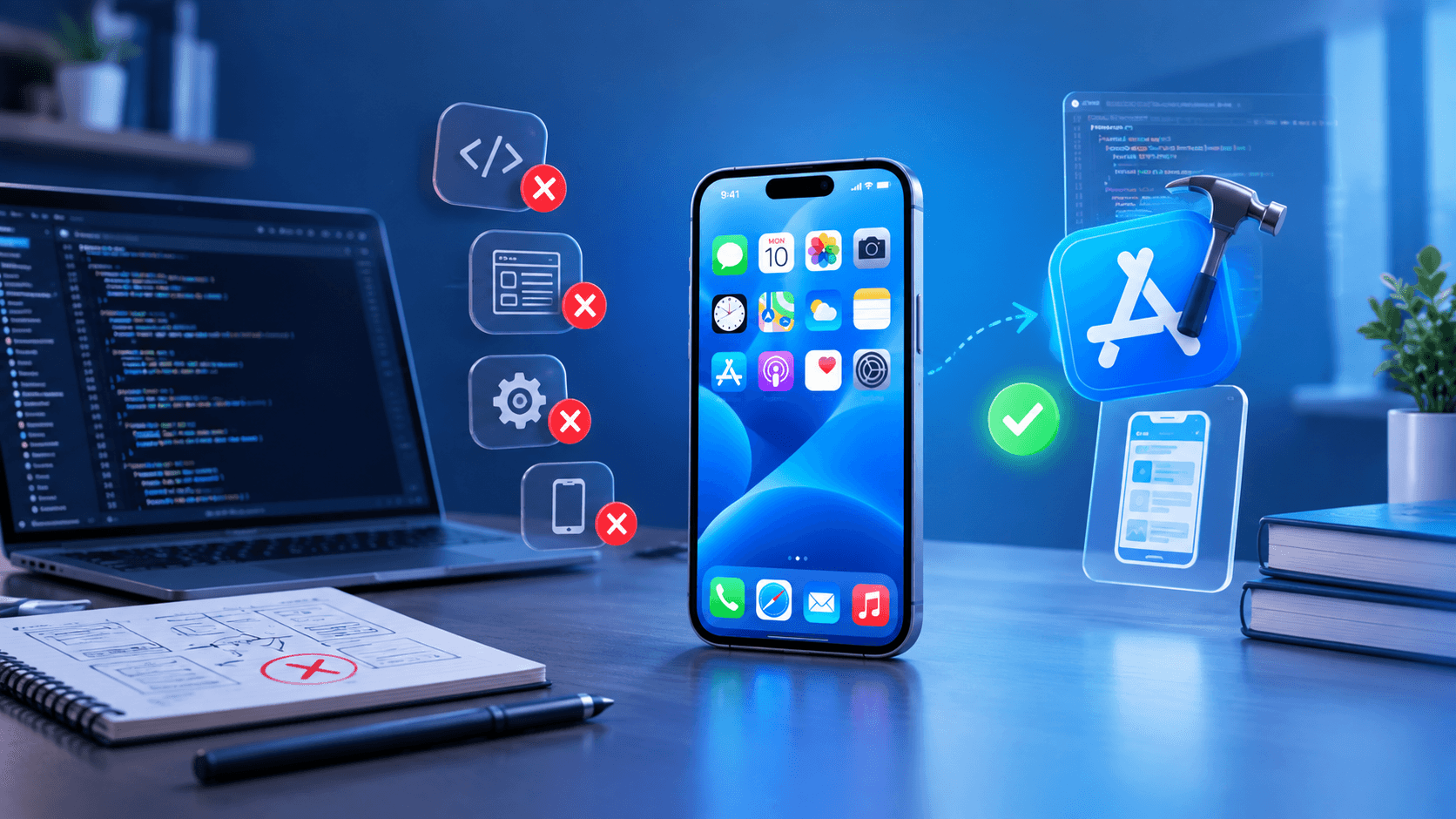
Many beginners approach iOS development by jumping straight into UI design and copying tutorials. This article explains the common mistake behind slow progress and shows how to build stronger Swift and SwiftUI skills from the start.
The Biggest iOS Development Mistake Beginners Make (And How to Avoid It)
Starting iOS development can feel exciting. You install Xcode, create a SwiftUI project, build your first screen, and suddenly it feels like you're already developing an app.
Then the problems begin.
A screen that looked simple in a tutorial doesn't behave the same way in your project. A button doesn't update the UI correctly. Navigation becomes confusing. An API request fails. Eventually, you find yourself copying code from different tutorials without really understanding why it works.
For beginners, one of the biggest mistakes in iOS development is trying to build complete applications before understanding the programming and app-development fundamentals underneath them.
This doesn't mean you need to spend months studying theory before creating an app. In fact, building projects is essential. The problem is building projects without understanding what the code is doing.
Why Beginners Often Fall Into This Trap
Most people learn differently when they're excited about app development.
They don't necessarily want to start with variables, functions, optionals and data structures. They want to see an actual iPhone app on the screen.
So they search for things like:
"SwiftUI login page tutorial"
"iOS weather app source code"
"Swift API example"
"iPhone app UI tutorial"
Following these tutorials can produce impressive-looking results quickly.
The problem appears when the tutorial ends.
If you understand why the code works, you've gained a skill. If you've only reproduced the code, you've gained a temporary solution.
This difference becomes increasingly important as applications become more complicated.
Don't Confuse Building a UI With Learning iOS Development
SwiftUI makes it relatively straightforward to create attractive interfaces. You can place text, images, buttons, lists and other components on a screen without writing enormous amounts of code.
That's useful, but it can also create a false sense of progress.
A beginner may spend several days creating login screens, dashboards and profile pages while barely understanding state, data flow or asynchronous programming.
A real application needs more than a good-looking interface.
For example, consider a login screen. The interface may contain an email field, password field and login button. But behind that screen, the application needs to handle input validation, loading states, network requests, authentication responses and error conditions.
The UI is only one part of the problem.
Learn Swift Before Trying to Master SwiftUI
SwiftUI is an important part of modern iOS development, but Swift itself shouldn't be treated as something you can skip.
Before building larger SwiftUI applications, beginners should become comfortable with fundamental Swift concepts such as:
Variables and constants
Data types
Conditions and loops
Functions
Arrays and dictionaries
Optionals
Structures and classes
Protocols
Closures
Error handling
Basic concurrency concepts
You don't need to memorise every feature of Swift before writing your first app.
Instead, learn a concept and immediately use it in a small practical example.
For instance, after learning arrays, create a small list of tasks. After learning functions, use functions to process that data. After learning structures, create a model representing a task.
This creates a connection between programming concepts and actual application development.
The Tutorial-Hopping Problem
Another common beginner mistake is constantly switching tutorials.
One tutorial uses one approach to navigation. Another introduces a different architecture. A third uses a different way of handling state.
The learner ends up with pieces of several approaches but no clear understanding of any of them.
Tutorials are useful as references, but they shouldn't become the entire learning strategy.
A better approach is to choose one structured learning path and stay with it long enough to understand the fundamentals.
When you encounter a problem, first try to understand the problem. Then search for a solution.
That small change makes a significant difference.
Instead of searching:
"Give me SwiftUI code for this screen"
try thinking:
"Why isn't my view updating when this value changes?"
The second question leads toward understanding.
Understand State and Data Flow Early
One concept that deserves special attention in SwiftUI is state.
A SwiftUI interface can change when its underlying data changes. This is one of the central ideas behind declarative UI development.
For beginners, however, state can initially seem confusing.
You may encounter concepts such as @State, @Binding, observable data and other state-management approaches before you fully understand why they exist.
Don't simply memorise the property wrappers.
Start with a simple question:
What data does this screen depend on, and what should happen when that data changes?
Once that relationship becomes clear, state-management concepts become much easier to understand.
For example, if a button increases a counter from 0 to 1, the important concept isn't the button itself. The important concept is that the application's state changed and the interface responded to that change.
That principle appears throughout real applications.
Build Small Projects Instead of One Huge App
Beginners sometimes decide that their first project should be a complete e-commerce application or social media platform.
That's usually too much at once.
A better progression is to build several smaller applications.
Project 1: Simple To-Do App
Focus on Swift basics, lists, user input and state.
Project 2: Notes App
Introduce multiple screens, data models and local persistence.
Project 3: Weather App
Learn networking, APIs, JSON and asynchronous operations.
Project 4: Authentication-Based App
Work with login flows, validation, loading states and error handling.
Project 5: Larger Application
Combine the concepts into a more complete project with cleaner architecture and reusable components.
The purpose isn't to create five applications for a portfolio just for the sake of having five projects. Each project should solve a different learning problem.
Don't Ignore Error Handling
A beginner's application often works perfectly when everything goes right.
Enter the correct input. Use a working internet connection. Receive the expected API response. Everything looks fine.
Real applications don't have that luxury.
What happens if the internet connection disappears?
What happens if the server returns an error?
What happens if a user enters invalid information?
What happens if the expected data is missing?
Learning to handle these situations is a major step toward becoming a capable developer.
Instead of thinking only about the "happy path," deliberately test what happens when things go wrong.
Use AI Without Becoming Dependent on It
AI coding tools can be useful during iOS development. They can explain Swift errors, suggest code, generate basic examples and help you explore unfamiliar concepts.
But there's a difference between using AI as a learning assistant and using it as a replacement for learning.
If an AI tool generates a SwiftUI view for you, read it.
Ask yourself:
What does each important part do?
Why is this property wrapper being used?
Where does the data come from?
What happens when the request fails?
Can I modify this code without asking AI to rewrite everything?
If you can't answer those questions, the code may be working without actually teaching you much.
A Better Way to Learn iOS Development
A practical learning cycle looks something like this:
Learn → Build → Break → Debug → Improve → Repeat
Start with a concept.
Use it in a small application.
Change something intentionally and see what happens.
When it breaks, investigate the error instead of immediately replacing the code.
Then improve the implementation.
This process can feel slower than copying a complete tutorial, but it develops problem-solving ability. That ability becomes increasingly valuable as projects become larger.
For students learning iOS development through a structured program such as techcadd, this project-based approach can also make classroom learning more useful. The goal should be to understand why a solution works, not simply reproduce the instructor's code.
How Can You Tell If You're Actually Learning?
There's a simple test.
Close the tutorial and try to recreate a smaller version of the feature yourself.
If you can do it, even imperfectly, you're probably understanding the concept.
If you immediately get stuck because you don't remember which line of code the tutorial used, go back and study the underlying idea.
Another useful test is modification.
Suppose you built a notes app that displays a list of notes. Can you add a search field without following a tutorial step by step?
Can you change the data model?
Can you add an empty-state message?
Can you handle an error?
These modifications reveal whether you understand the application or have simply reproduced it.
The Real Mistake Isn't Starting With Projects
There's nothing wrong with building projects early.
The mistake is building projects without learning the concepts that make those projects work.
A beginner doesn't need to know every part of Apple's development ecosystem before writing an application. But they should gradually understand Swift, SwiftUI, state, navigation, networking, data handling, debugging and application architecture.
When those fundamentals are developed alongside practical projects, tutorials become references rather than crutches.
That's a much stronger position to be in as an iOS developer.
Final Takeaway
If you're beginning iOS development, don't measure your progress by how many screens you've created or how many tutorials you've completed.
Measure it by what you can build without copying the solution.
Learn Swift fundamentals. Understand SwiftUI rather than just reproducing its syntax. Build small applications, deliberately encounter problems, debug them and gradually combine your skills into larger projects.
The goal isn't to avoid mistakes altogether. It's to make mistakes that teach you something.
That's how a beginner gradually becomes someone who can actually develop iOS applications.
